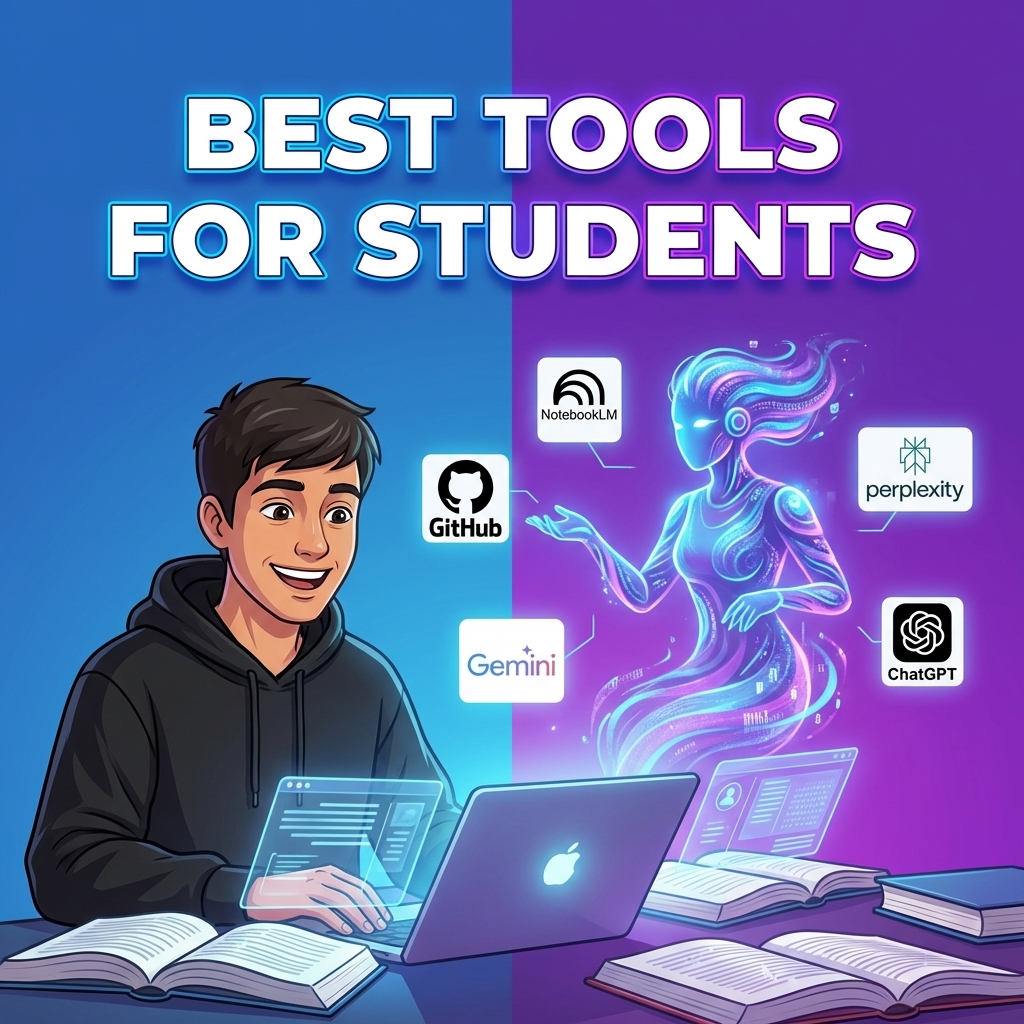
01The student situation
When I was studying, paying ₹1500/month for any software felt like a lot. Not because the tools weren't useful, but because that money came from somewhere else — food, travel, whatever. I remember using trial accounts across four different emails to keep using one tool I actually needed. Not proud of it, but that's where the budget was.
The good news is most of the genuinely useful AI tools have real free access — not trial access, actual usable free tiers — and some have specific student programs that unlock even more.
Here's what I'd tell a student right now, starting with the thing most people skip.
02Check what your college already provides
A lot of universities have institutional licenses for Microsoft Copilot, Grammarly, Adobe Creative Cloud, and others. Before signing up for anything, check with your college's IT department or library. You might have access to tools you don't know about.
GitHub Student Developer Pack is the one not to miss. Sign up with your college email at education.github.com. You get GitHub Copilot free, plus about 20 other tools including domain names, cloud credits, and more. It's legitimately the best student deal in tech right now and most students never claim it.
03For studying and assignments
NotebookLM (notebooklm.google.com) — free, from Google. Upload your PDFs, lecture notes, and textbooks. Ask it to create a study guide, explain a concept, or generate practice questions based on your actual material. For exam prep this is extremely useful and it's completely free.
Perplexity.ai for research. When you're trying to understand a topic, use Perplexity instead of Google. You get an answer with citations you can actually verify and use as sources in your work.
Claude or Gemini for writing help. Use them to improve your thinking — ask Claude to find weak arguments in your essay, or to explain a concept in simpler terms. The distinction between using AI to think better versus using it to avoid thinking is important.
A good workflow is: read your material once, ask NotebookLM to quiz you, answer without looking, then ask it where your answer is weak. That is much better than asking AI to write notes you never read.
04For coding assignments
Cursor editor with the free tier. When you're stuck on an error at midnight before a submission, having AI explain what's wrong and why is genuinely useful. It explains before it fixes, which means you actually learn.
One thing worth saying plainly: don't paste AI-generated code into assignments without understanding it. Most CS professors in 2026 know what AI-written code looks like. More importantly, exams won't have an AI assistant — you will.
Use AI like a tutor. Paste the error, paste your code, and ask: "explain the bug first, then give me a hint, not the full solution." It feels slower, but it builds the muscle you need for exams and interviews.
05The tools I would avoid as a student
Avoid anything that promises to write full assignments for you. It creates two problems: academic risk and weak understanding. Even if you get away with it once, you still have to explain the topic later. I've seen people get caught in vivas because they couldn't explain what was in their own submitted work.
Also avoid paying for five subscriptions because every YouTuber says a different tool is essential. Start with free tools, use them for a month, then only pay if one of them is clearly saving you time every week.
The best student setup is boring: one research tool, one study-from-notes tool, one writing assistant, one coding helper if you code. More than that becomes procrastination dressed as productivity.
06A weekly workflow that actually helps
On Sunday, upload the week's notes into NotebookLM and ask for the topics that need revision. During the week, use Perplexity when a concept needs outside context. Before submission, use Claude or Gemini to check clarity, not to write the whole assignment.
For coding, keep a small "errors I solved" note. Every time AI helps you fix something, write the cause in your own words. That turns AI help into revision material instead of a one-time rescue.
This sounds simple, but it is the difference between using AI as a shortcut and using it as a study system.
07For presentations and design
Gamma.app makes presentations from text. Write what you want to say and it generates slides. Free tier has a watermark but for internal use or practice presentations it's fine.
Canva has added AI features and the free tier is generous for students. Background removal, Magic Write, basic image generation are all included.
08Staying organised
Notion AI has a free tier and Notion itself is free for students with a .edu email. If you're not already using it for notes, projects, and deadlines, it's worth trying — the habits you build here carry into work life.
Pick 2-3 tools and actually learn them rather than trying everything. Claude for thinking and writing, NotebookLM for studying from your own material, and Cursor or Copilot if you code. That's a complete setup and it's free.
The real benefit is not getting "AI answers." It is reducing friction: faster revision, clearer explanations, cleaner notes, and fewer nights lost to one confusing error.